






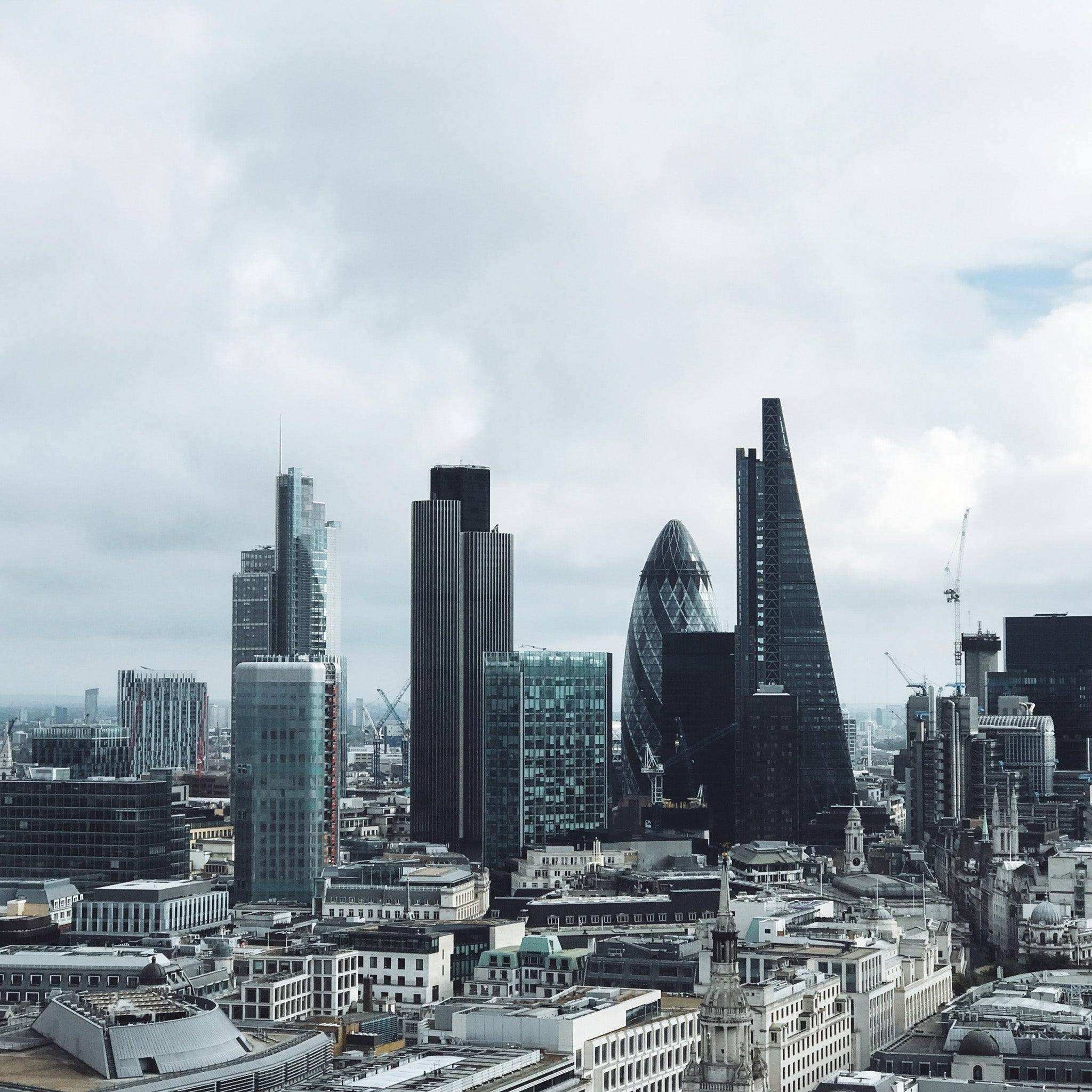
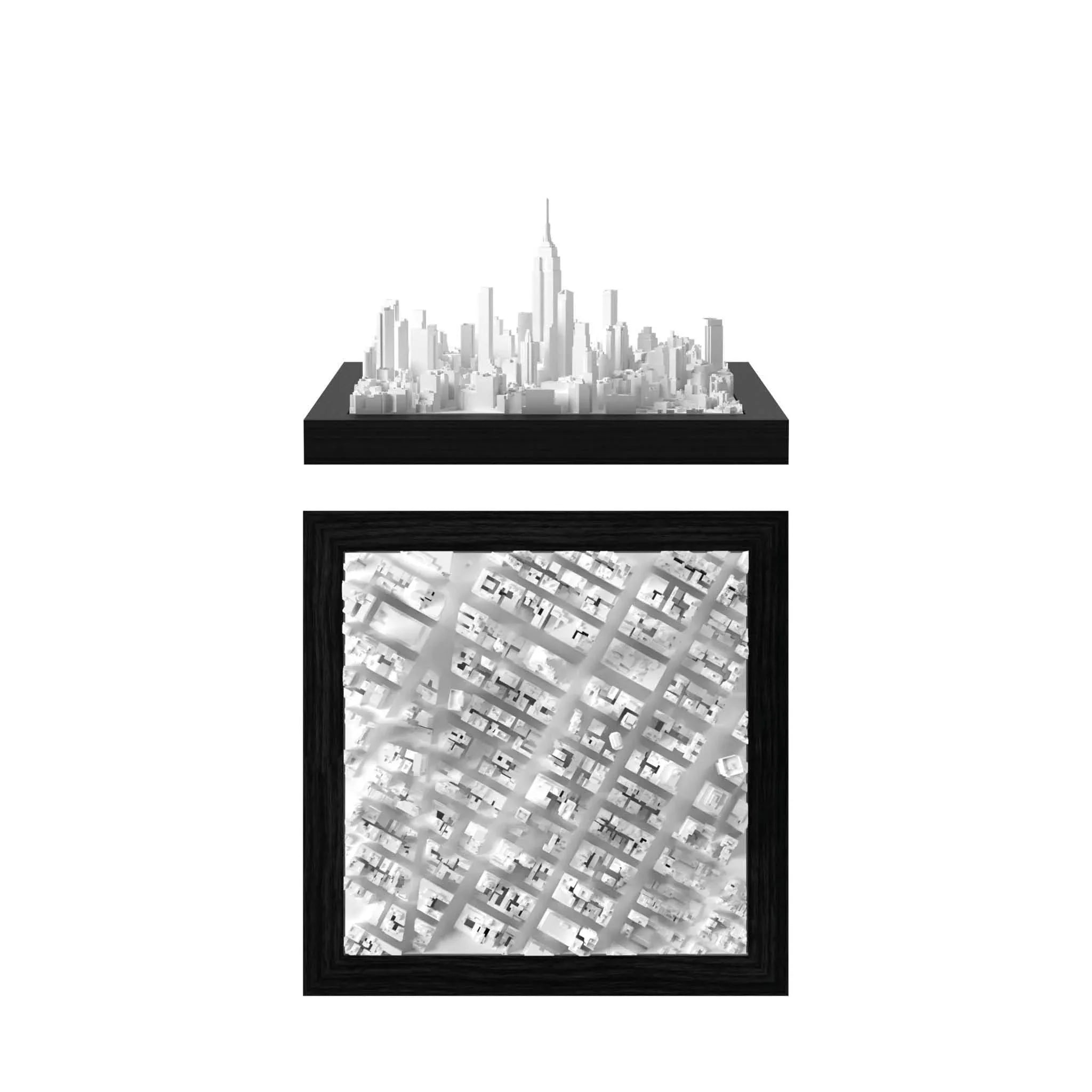
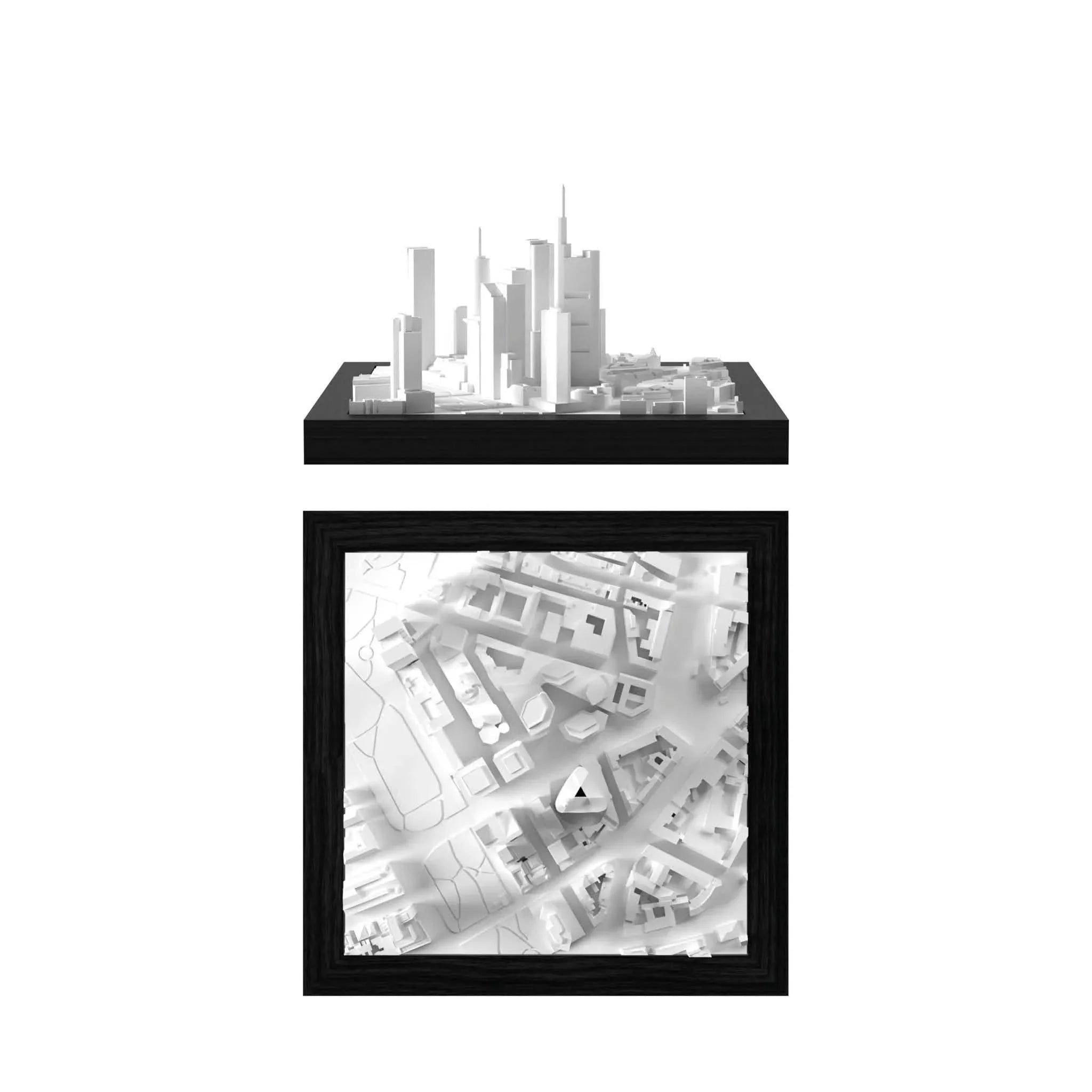
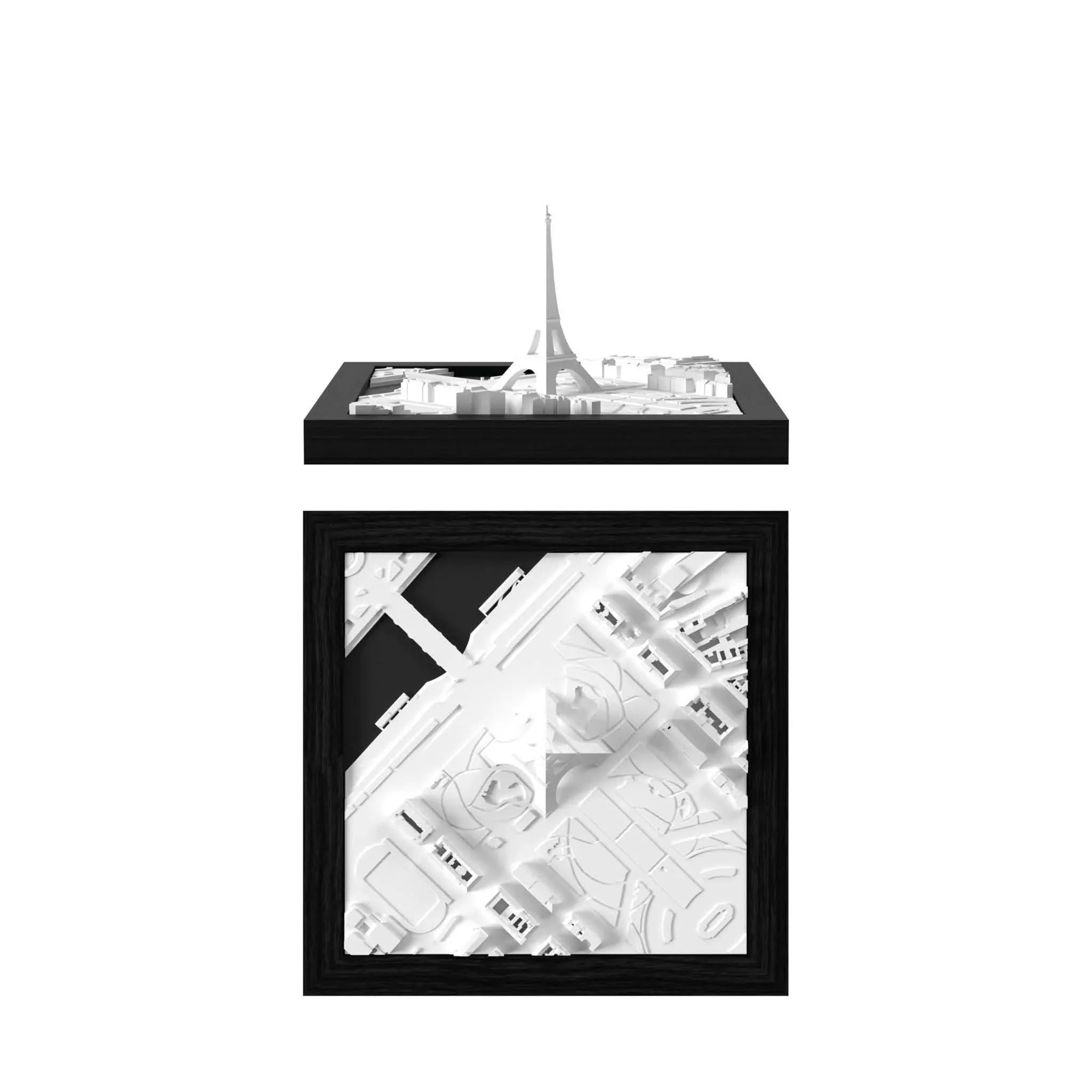
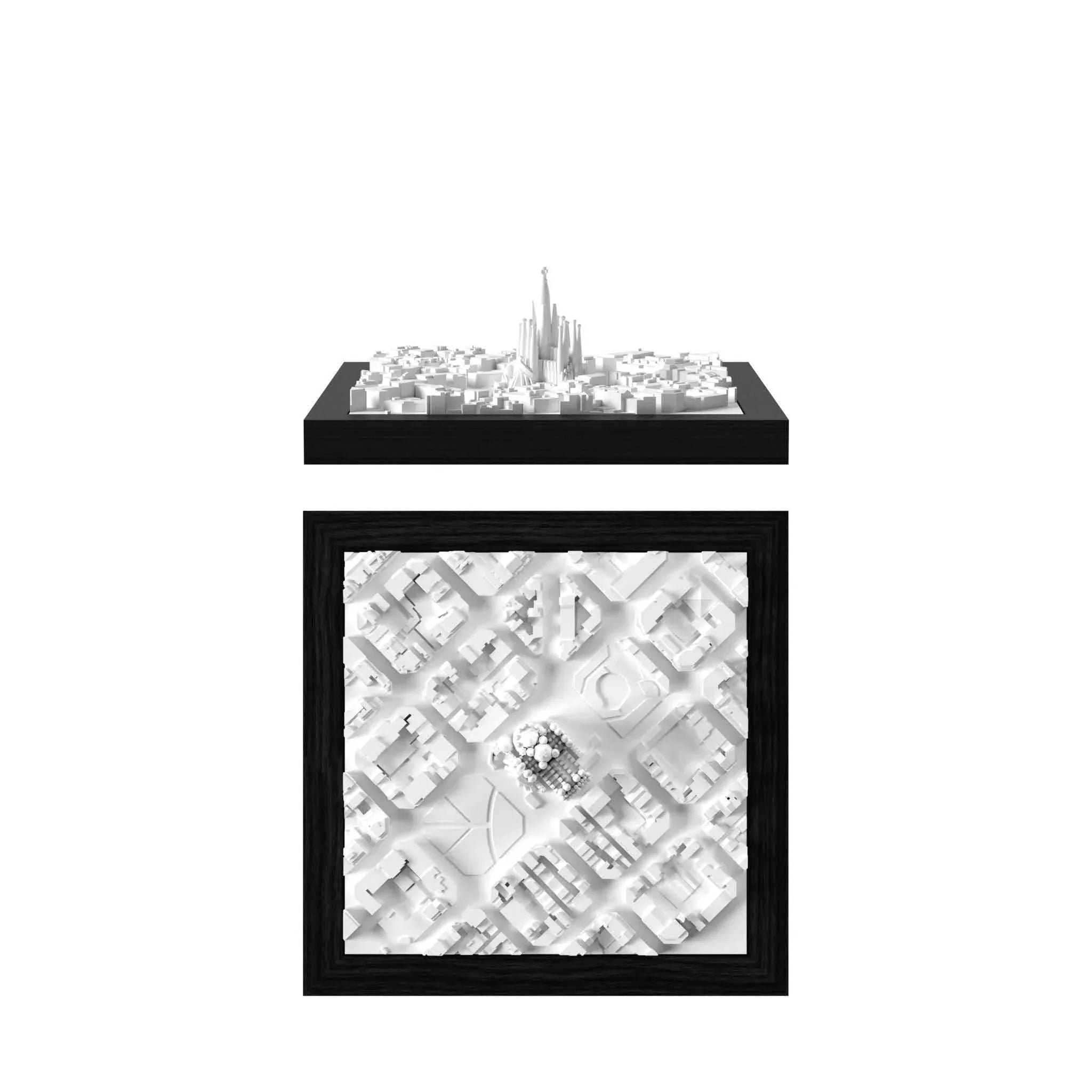
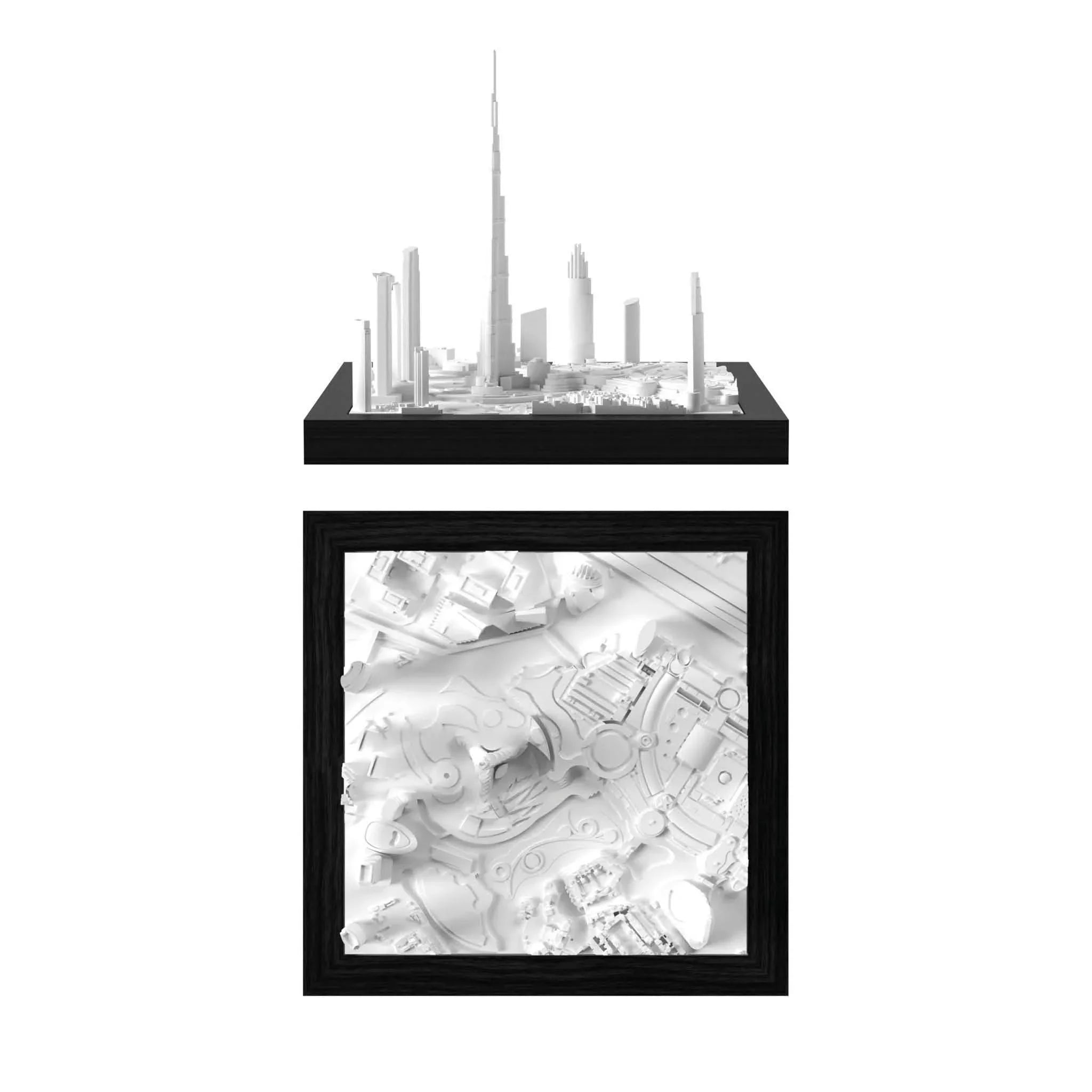
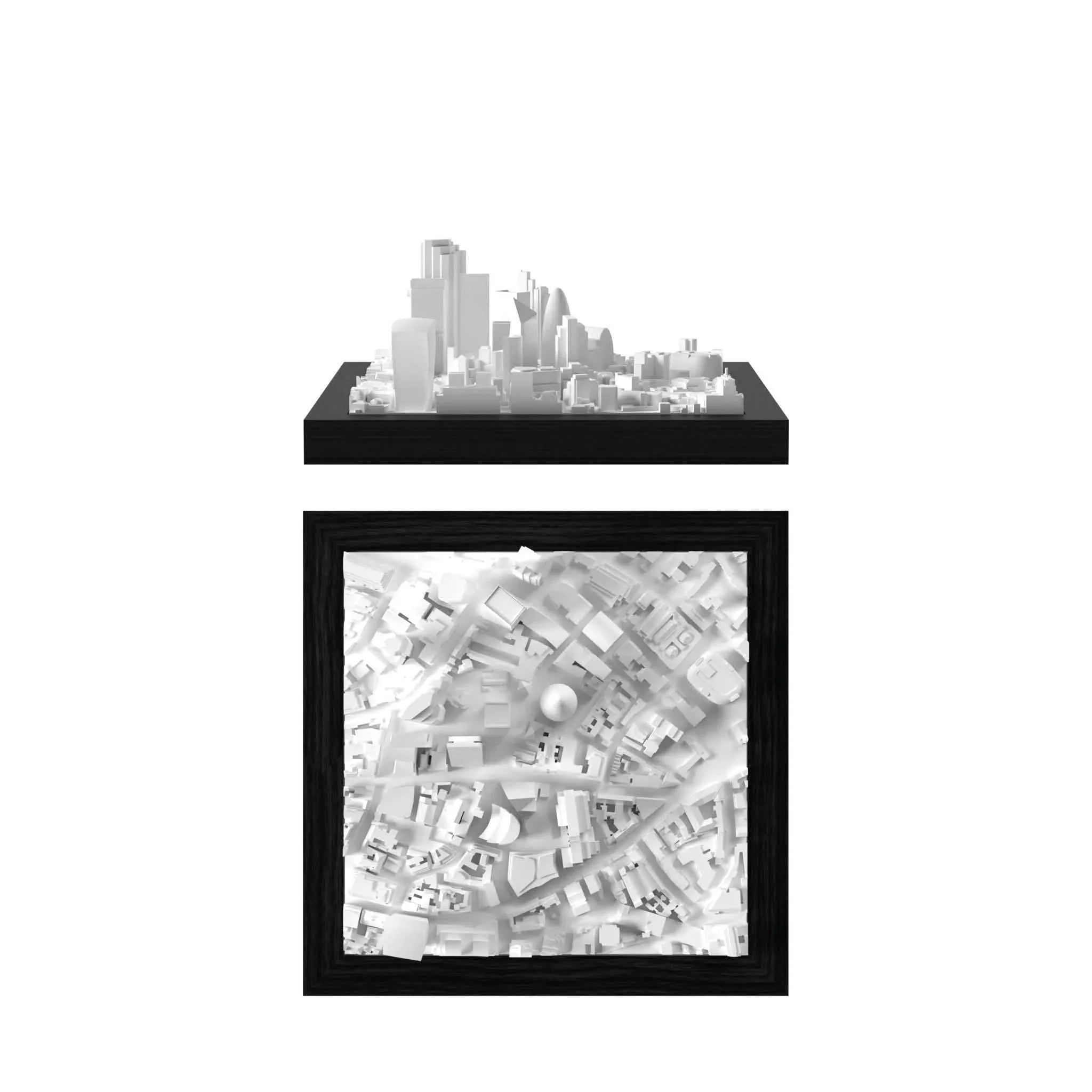
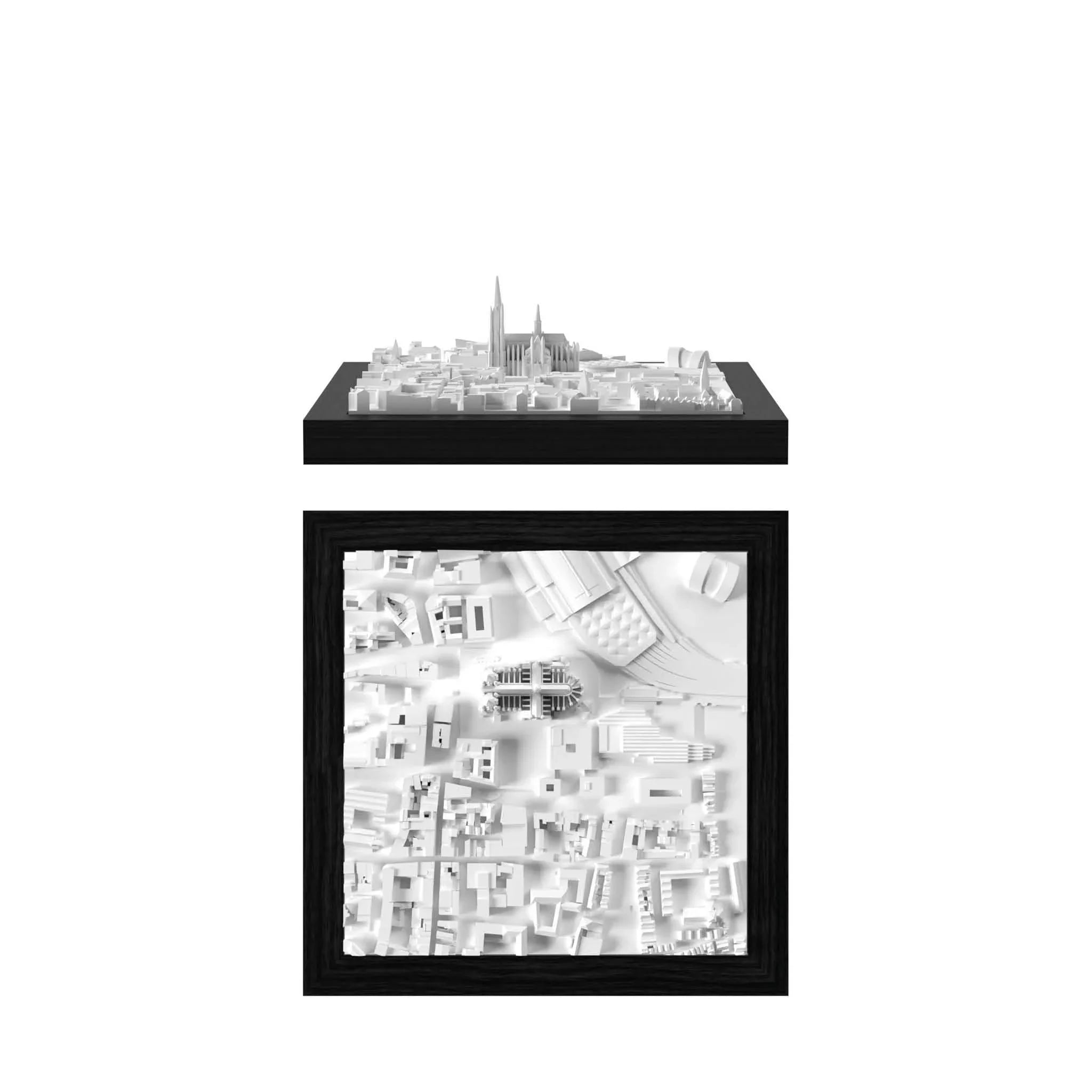
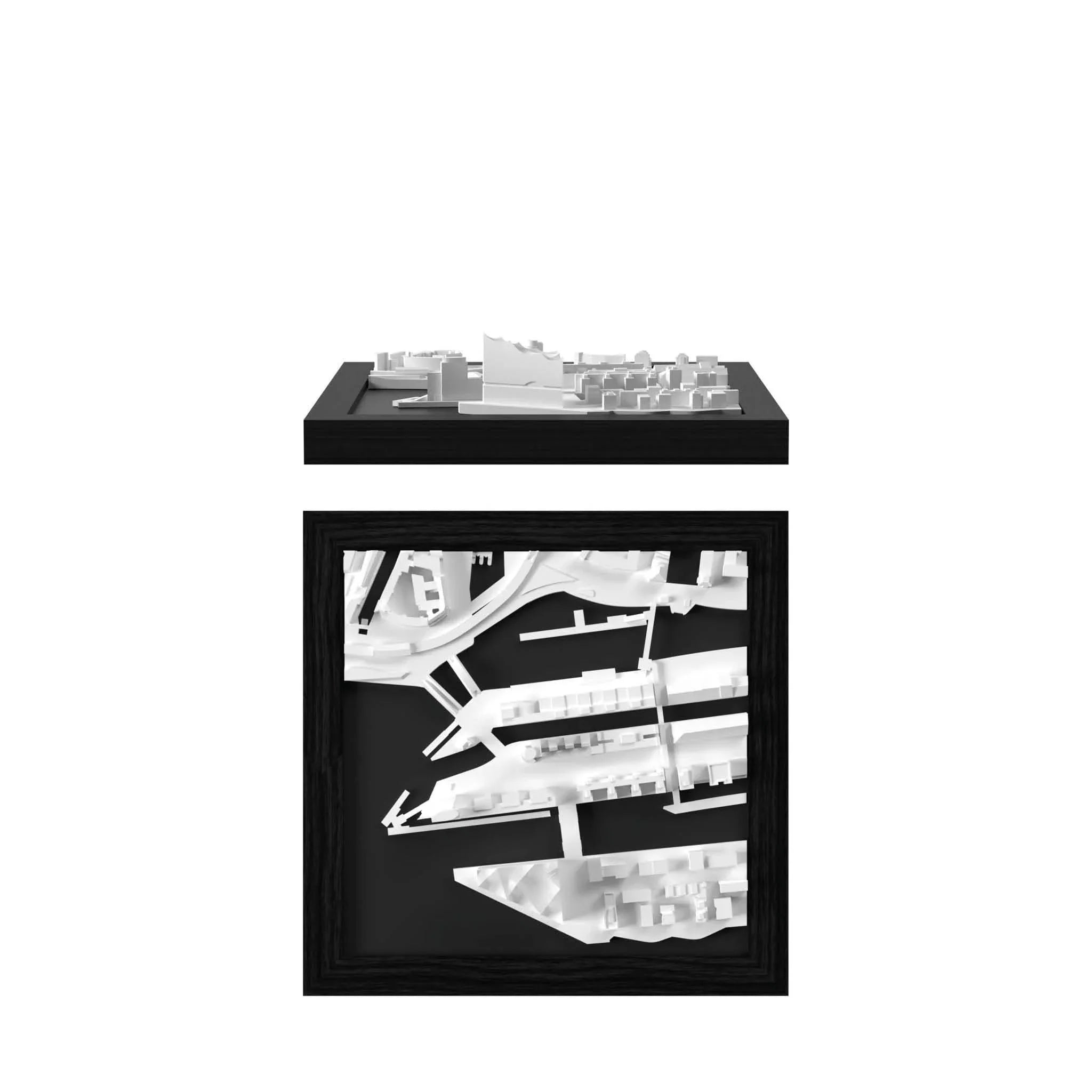
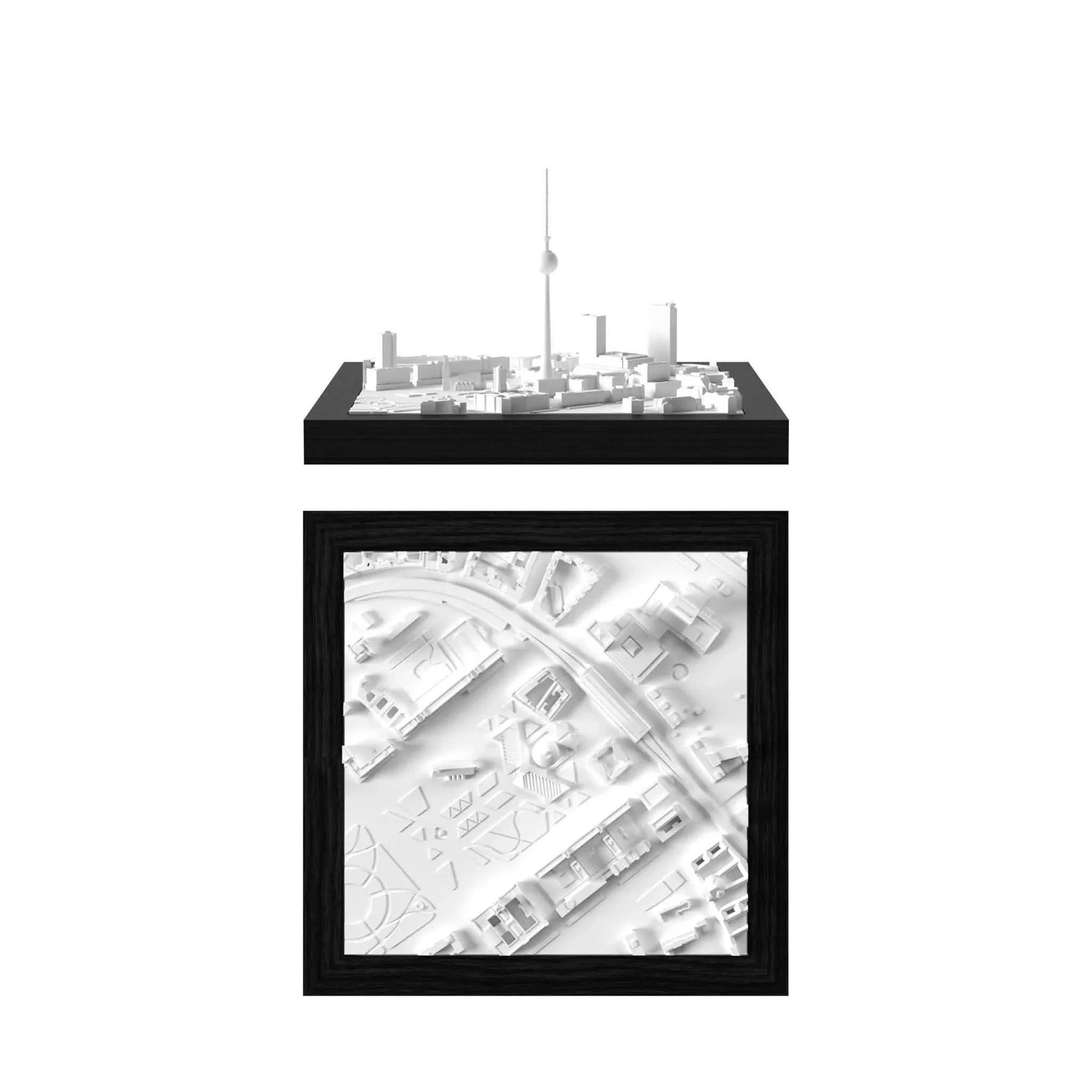
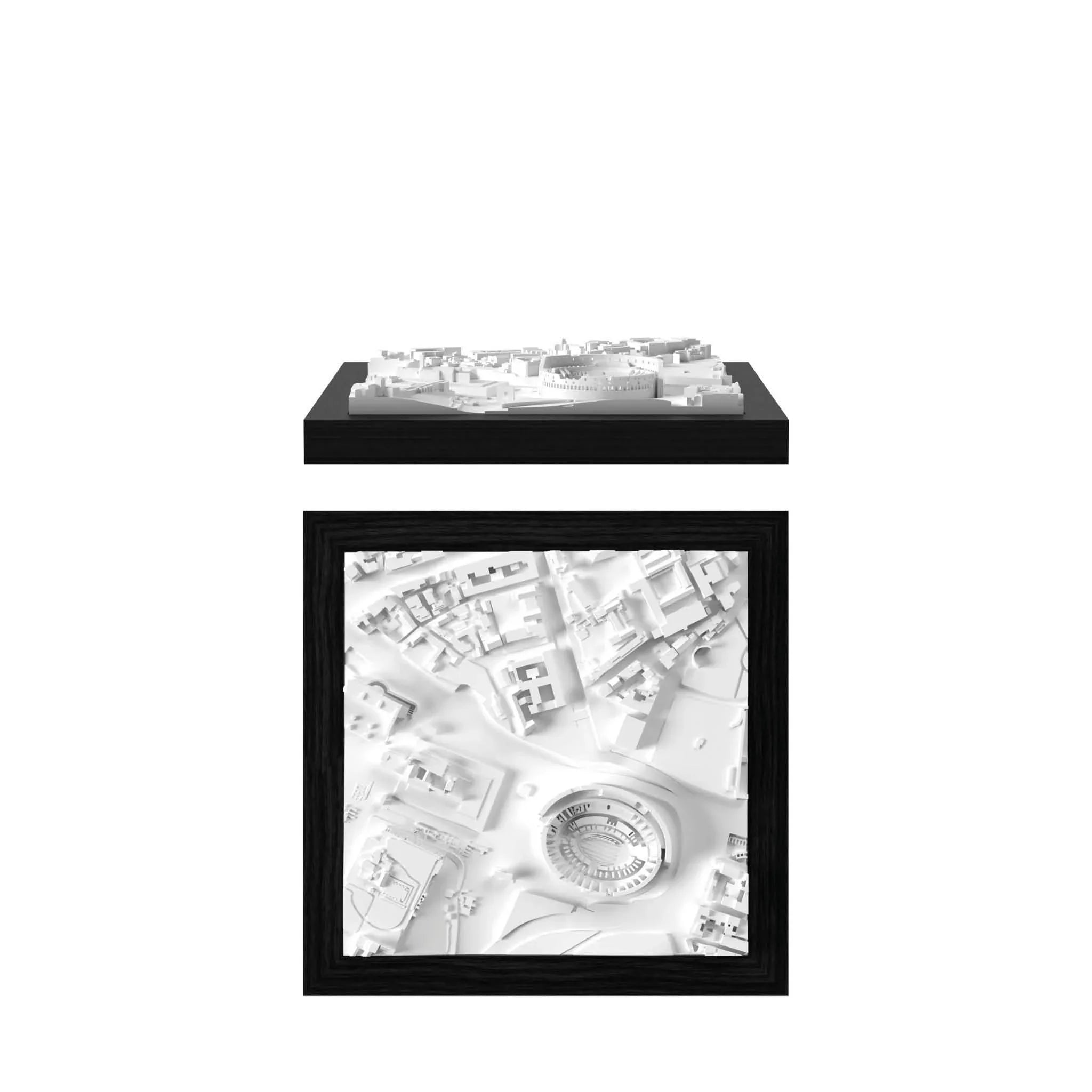
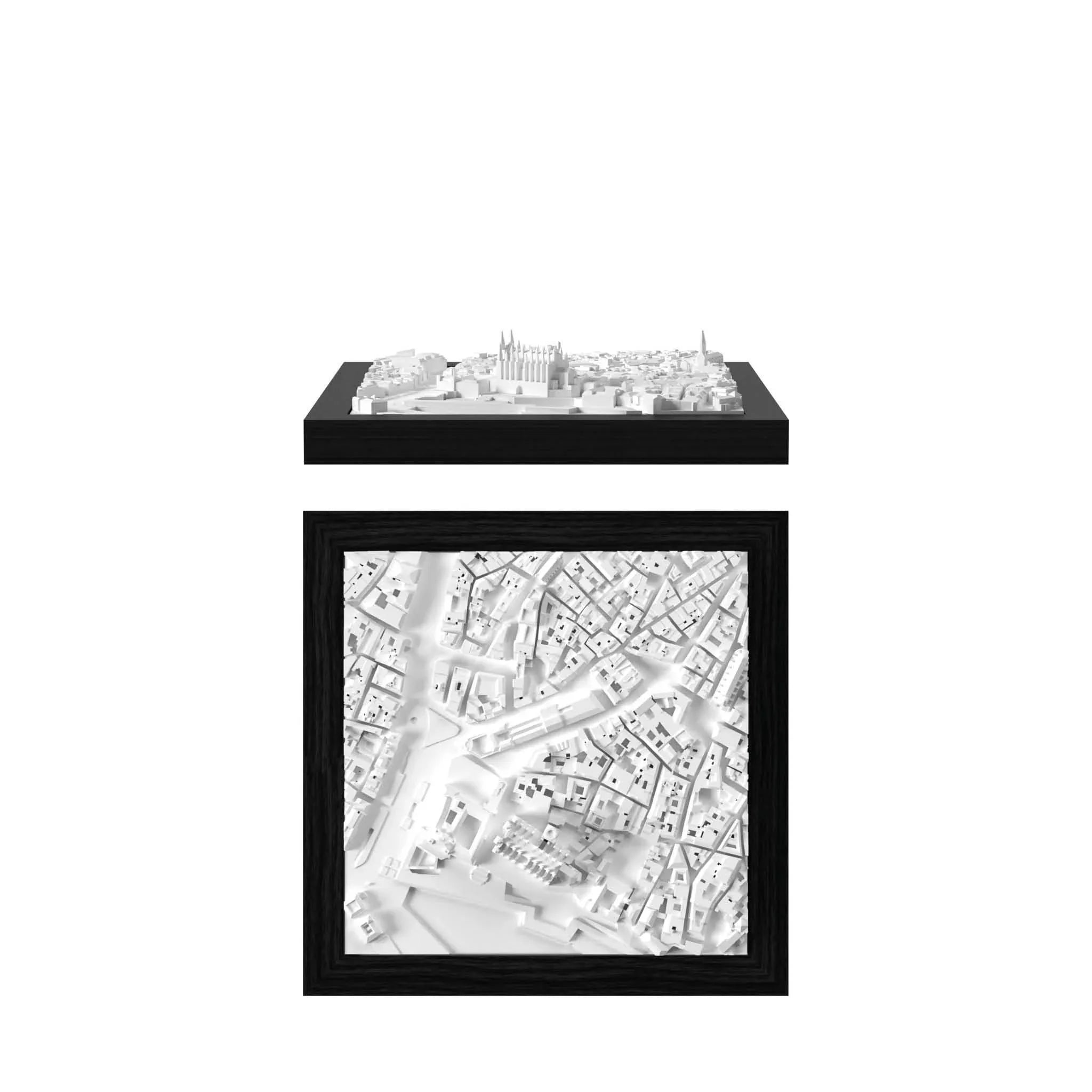
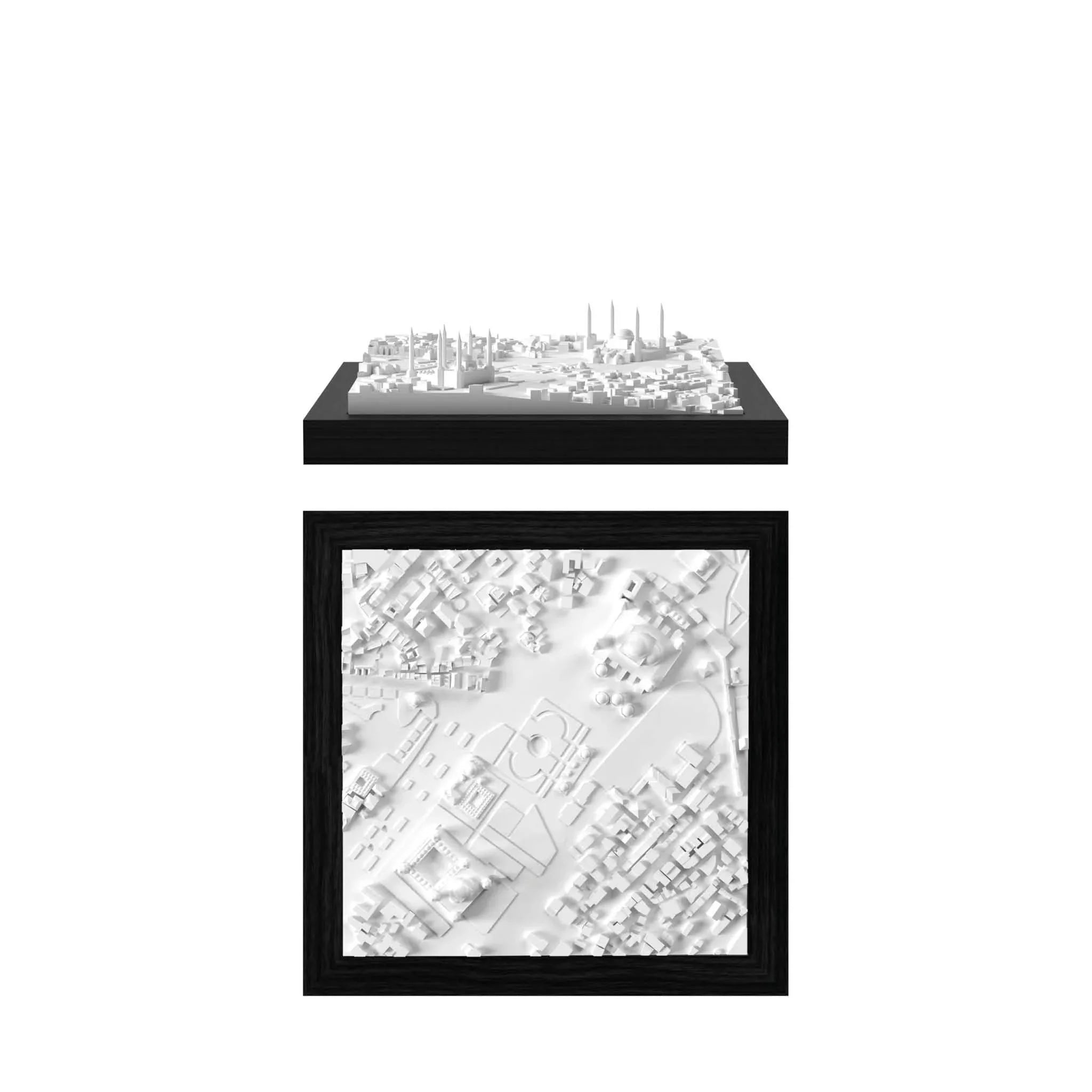


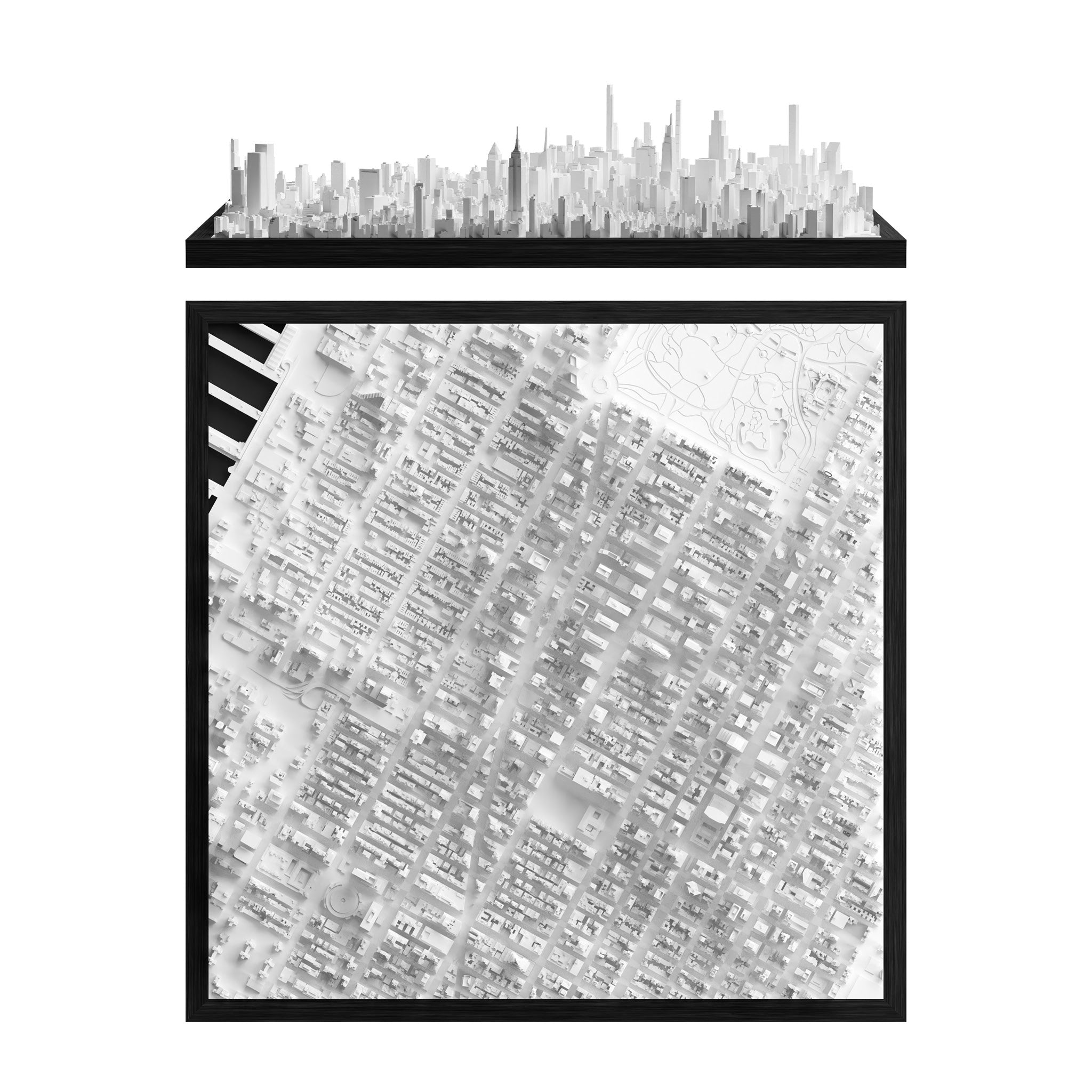
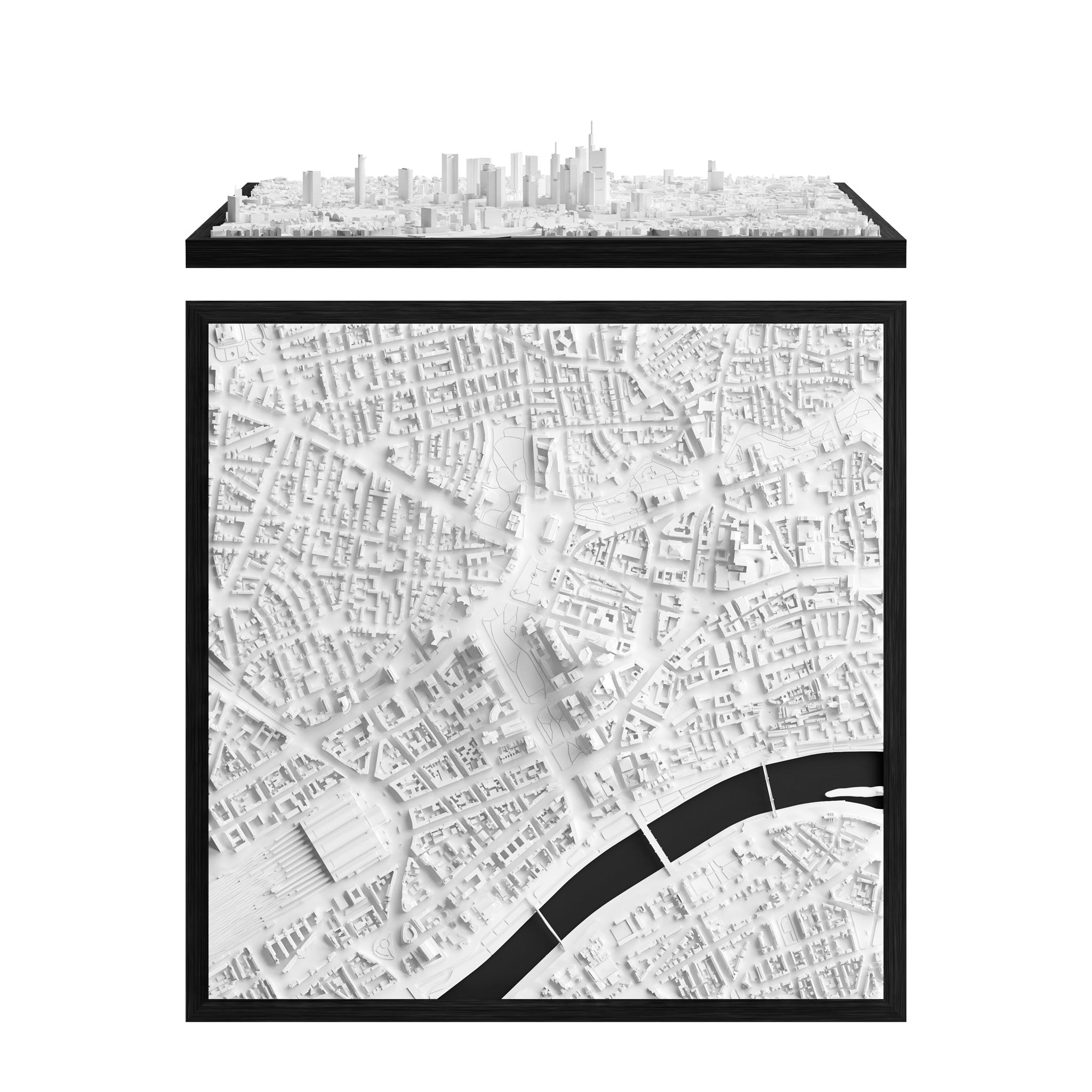
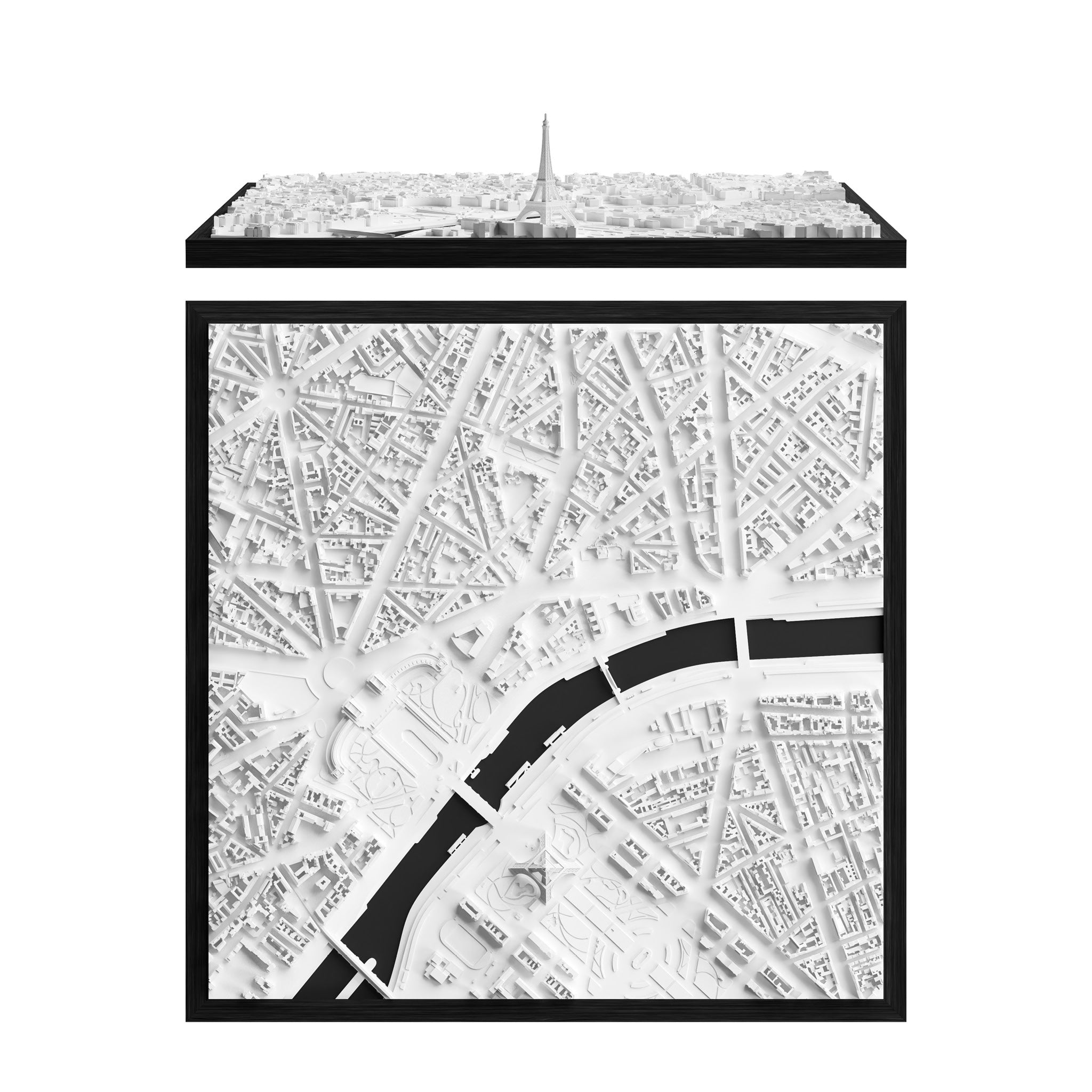
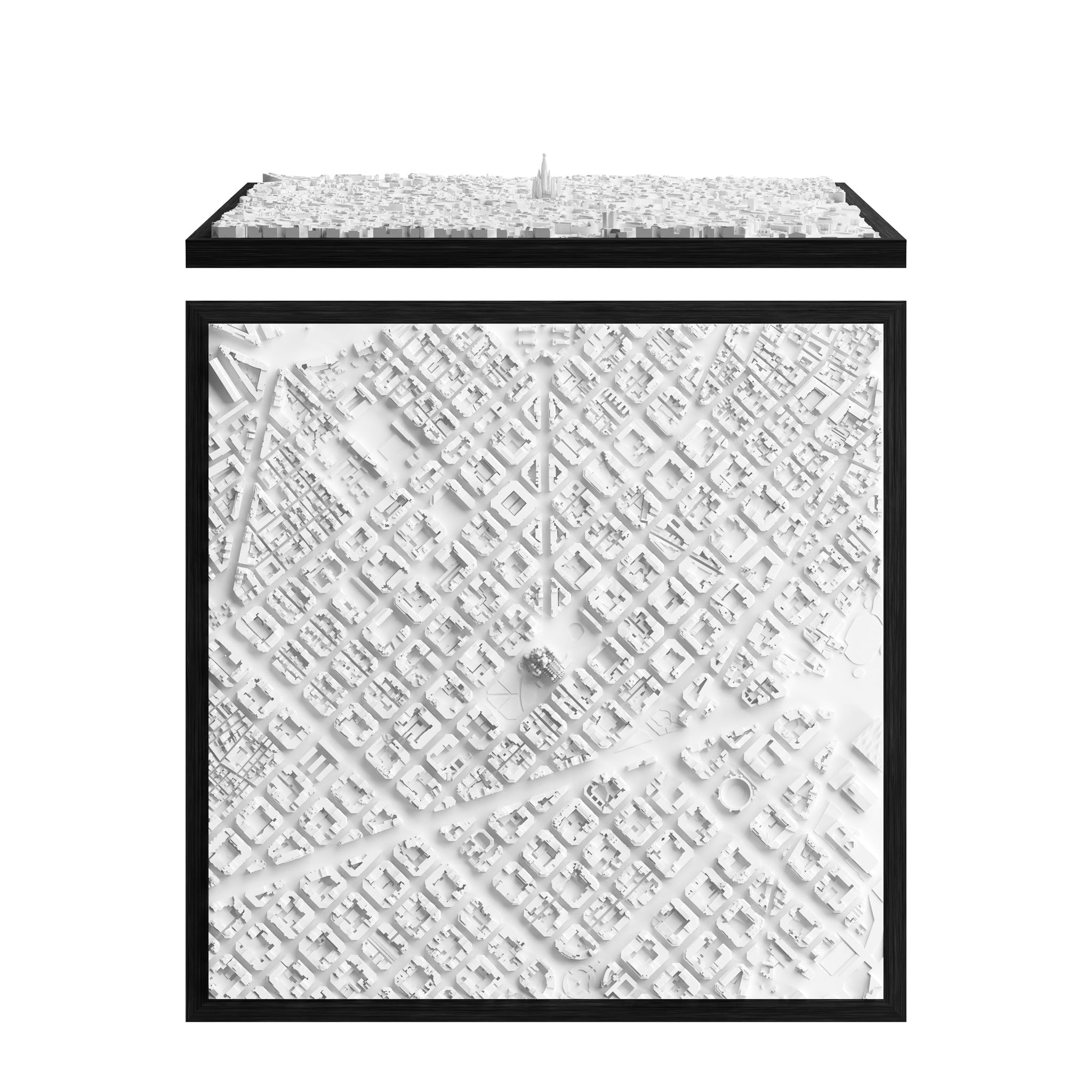
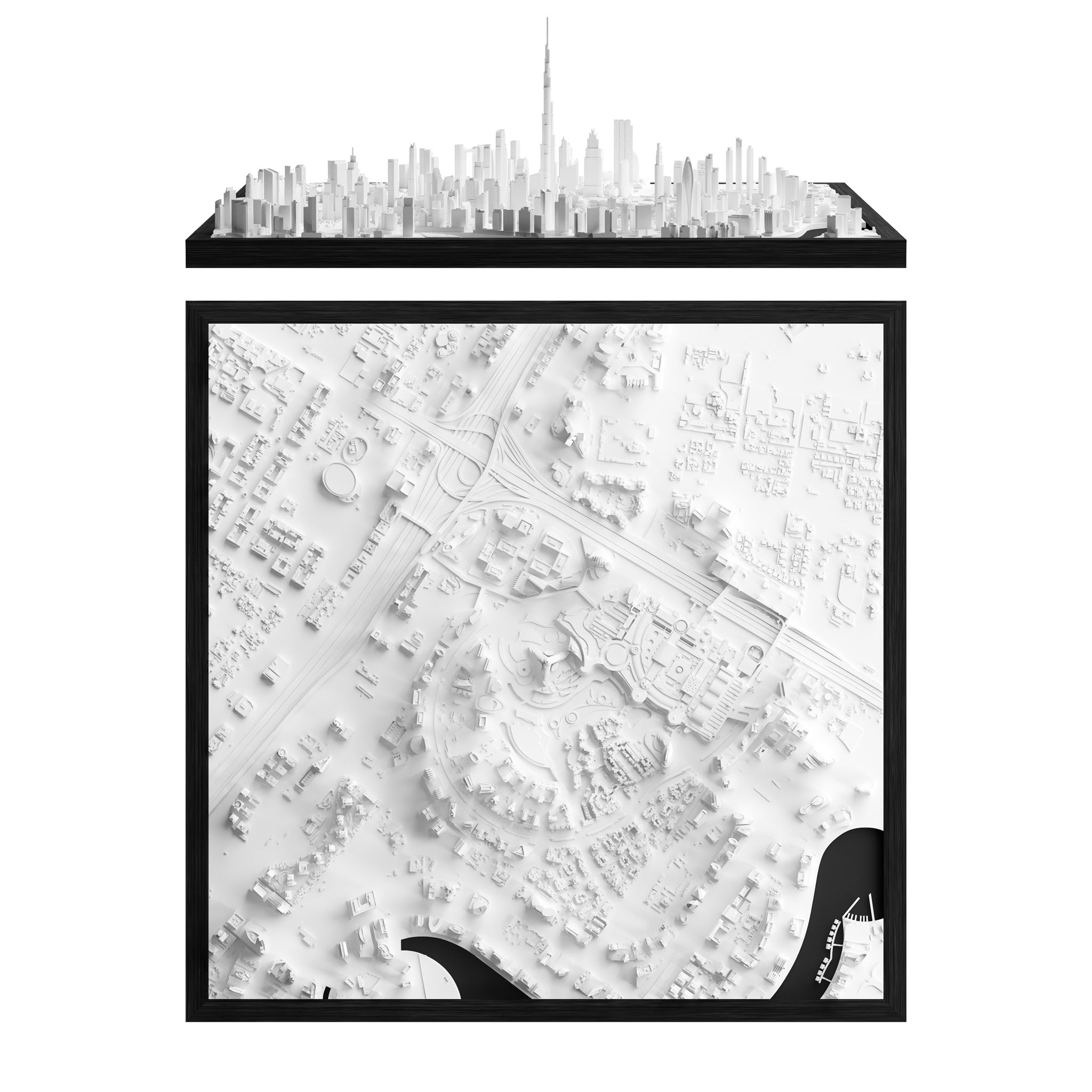
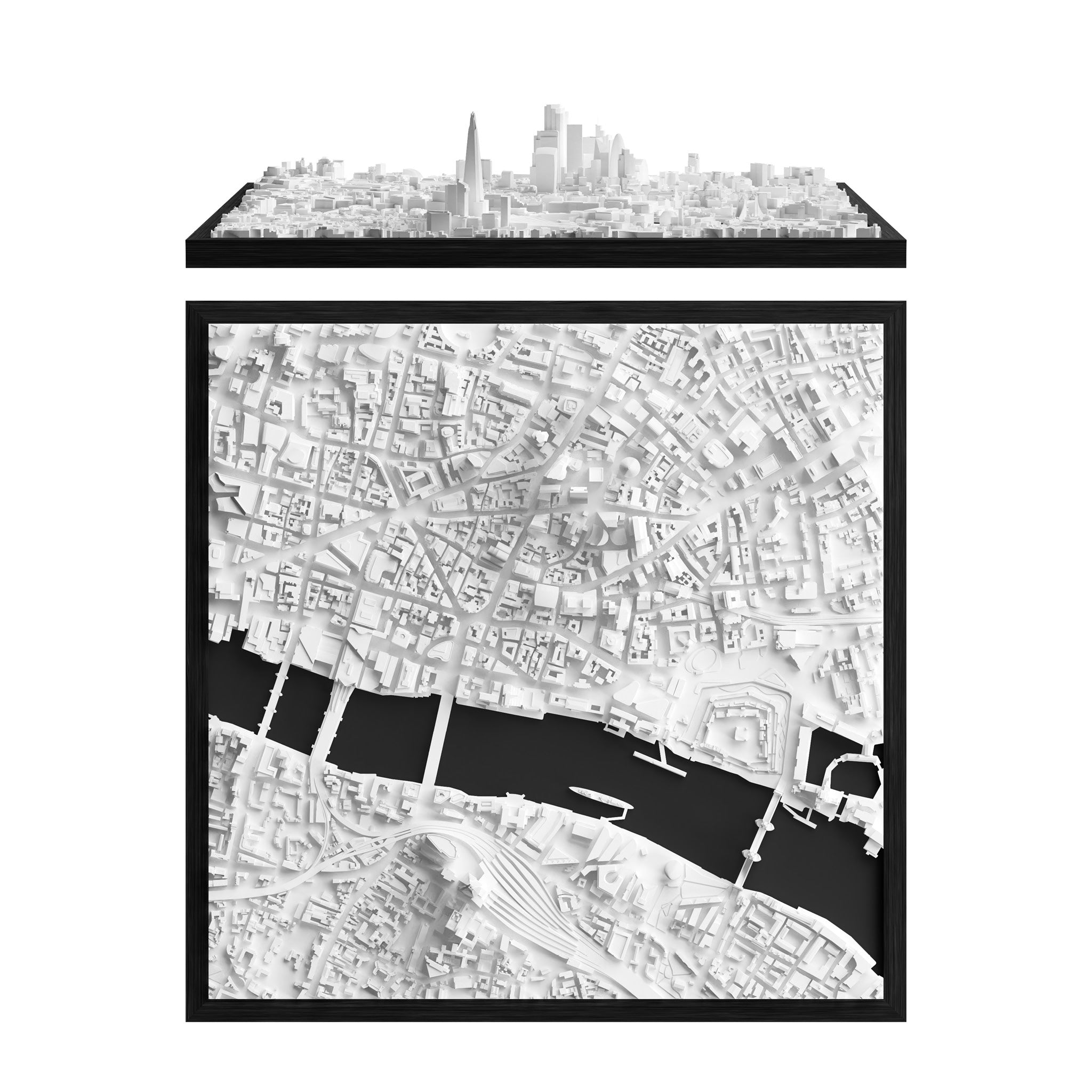


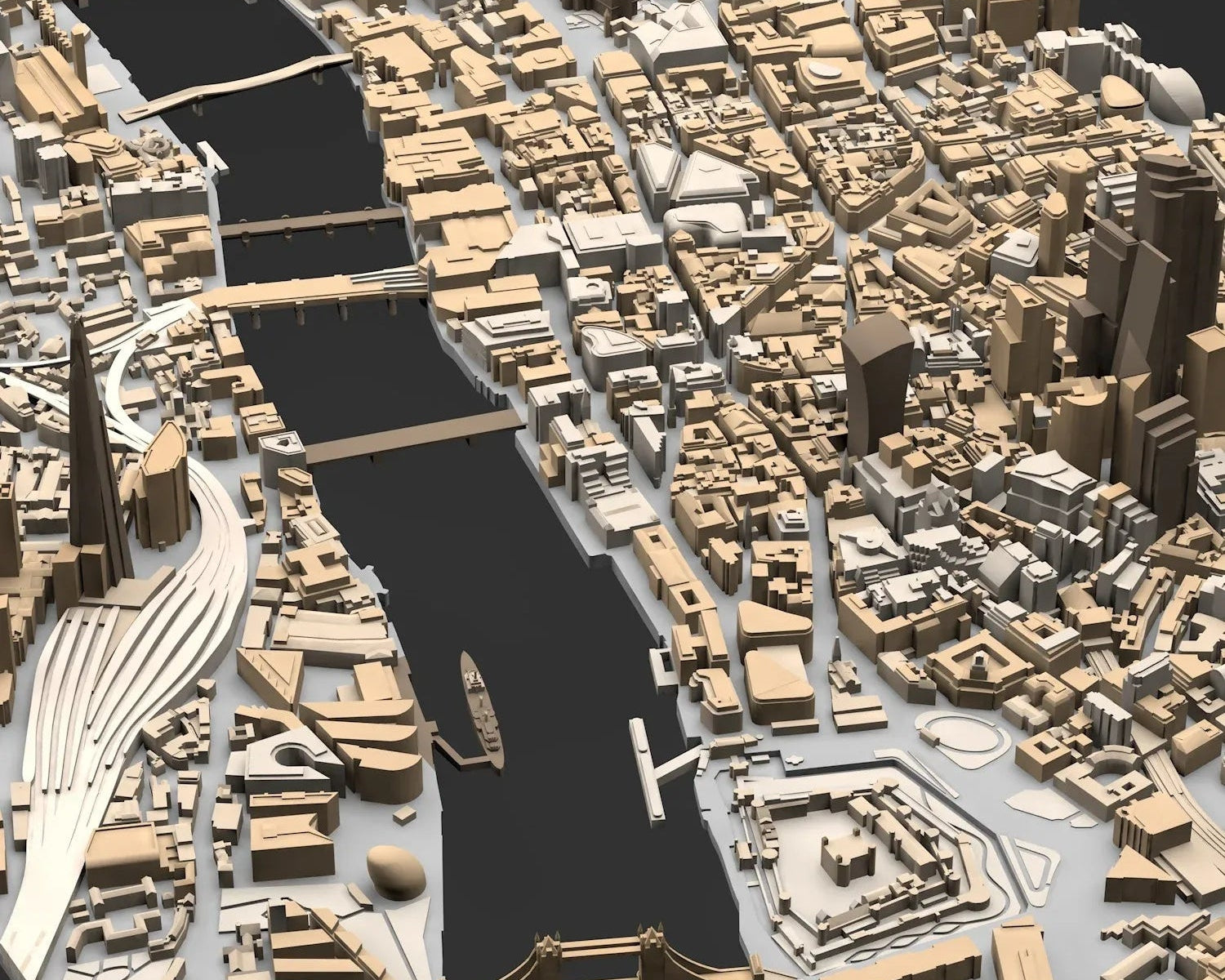






Area Options:


Edinburgh CUBE
€85.00


Optional Add-Ons

Engraved Plaque
(Stainless Steel)

Engraved Plaque
(Brass)

Display Cover
(Acrylic)

Display Cover
(Glass)
Dimensions
CUBE
18 x 18 cm | 7 x 7 inches
FRAME
Buy64 x 64 cm | 25 x 25 inches
€699.00

GRAND
Configure129 x 79 cm | 50.8 x 31.1 inches
€2,999.00


BLOK
Buy€3,449.00

Grand
129 x 79 cm | 50.8 x 31.1 inches79 x 129 cm | 31.1 x 50.8 inches
(Can be mounted upright or horizontally)

BLOK
85 x 55 x 50 cm | 33.5 x 21.6 x 19.7 inches(L x W x H)

CitySculpt
Our unique process of creating 3D Data

ONLY AT CITYFRAMES
Developed through years of expertise by our in-house 3D Data Specialists.

INCREDIBLE LEVEL OF DETAIL
Even more details ready to be explored in our 3D cities.

HAND-MADE
Manual processed satellite data that create a one-of-a-kind miniature effect.

WORLDWIDE USAGE
Applicable to every city and place around the world.

Dubai Before

Dubai After CitySculpt

Aquiring High Quality 3D Data
Why not Google Maps?
Digital 3D data is the foundation of every model we produce, from the CUBE to the WALL. We often get asked why we can't use Google Maps?
There are several reasons for this, but in short, it's the wrong type of data. Google Maps utilizes scans based on satellite imagery, which are then textured - this means images are overlaid with images to show colors. The imagery actually conceals that the underlying data is very bumpy and uneven, making it unsuitable for 3D printing or any kind of production.
In several cities, Google data is unavailable. Take Dubai, for instance, which is represented solely by a flat image in Google Earth.
It's important to note that even if the data were usable, its use would still be definitively illegal.
That's when we came up with CITYSCLUPT!
The solution: Merging technology with manual skill
CitySculpt Process

Urban Layout Plan
The process starts with 2D urban blueprints. By utilizing fundamental open-data layout plans we outline the model areas and determine necessary data sources for generating the 3D data.
Looking down on the ISS
The satellites that capture the data for our models fly twice as high as the International Space Station, yet still produce crystal-clear data. By having access to the latest innovations from Airbus, NASA, and ESA, we are able to purchase very high-quality datasets that serve as the perfect base for our 3D city models. We use combinations of multiple datasets, depending on the density, topography and location of the city.
Time for manual skill
Cities are diverse and complex, which is why we now hand over the datasets to our skilled 3D data artists. The generated buildings are manually cross-referenced against sources such as Google Maps or building plans. We reconstruct missing structures, enhance details, and track upcoming developments. Additionally, we add parks, bridges, landmarks, railways, bodies of water, docks, elevated roads, highways, pathways, and statues to our models.
The unique miniature look
In the final step, we prepare and optimize the cities for 3D Printing. This is when the miniature look of our cities truly comes to life. By the time our models are ready for production, they are not just representations of urban landscapes, but vibrant miniatures that reflect the unique atmosphere and character of each city.Below you can find some before / after examples of the 3D data creation with CitySculpt.
Based on many years and thousands of hours of <span style="color: #b8946b; display: inline; font-weight: bold;">experience</span>, we have perfected this process to <span style="color: #b8946b; display: inline; font-weight: bold;">create 3D cities that are truly unique.</span>
Taipei

Before

CitySculpt
Magnetic Exchange Buildings
What Are Magnetic Exchange Buildings?
Selected CUBE models feature removable architectural elements that connect securely through an integrated magnetic system. These are usually the tallest, most fragile, or most exposed parts of the model, such as fine towers, narrow structures, or elements with thin antennas.
The magnetic connection keeps these parts securely in place while allowing them to be removed and reattached when needed.
Why Magnetic?
The magnetic system is designed to make the model more durable, easier to handle, and safer to ship. Delicate parts can be packed more securely, reducing the risk of damage during transport.
If one of these elements ever breaks, only the affected part can be replaced instead of the entire model. This helps preserve the model's original look for years to come.
It also allows for more efficient packaging. A smaller shipping box means less packaging material, lower shipping volume, and in many cases more cost efficient delivery for the customer.
Availability
Magnetic exchange buildings are available for selected CUBE models. You can find this information directly on the product page of each CUBE model whenever the magnetic system is included.
This feature is only used where it improves the construction, handling, or shipping safety of the model. Not every city requires magnetic exchange buildings.

Discover more cities from United Kingdom 🇬🇧